Member experience · identity
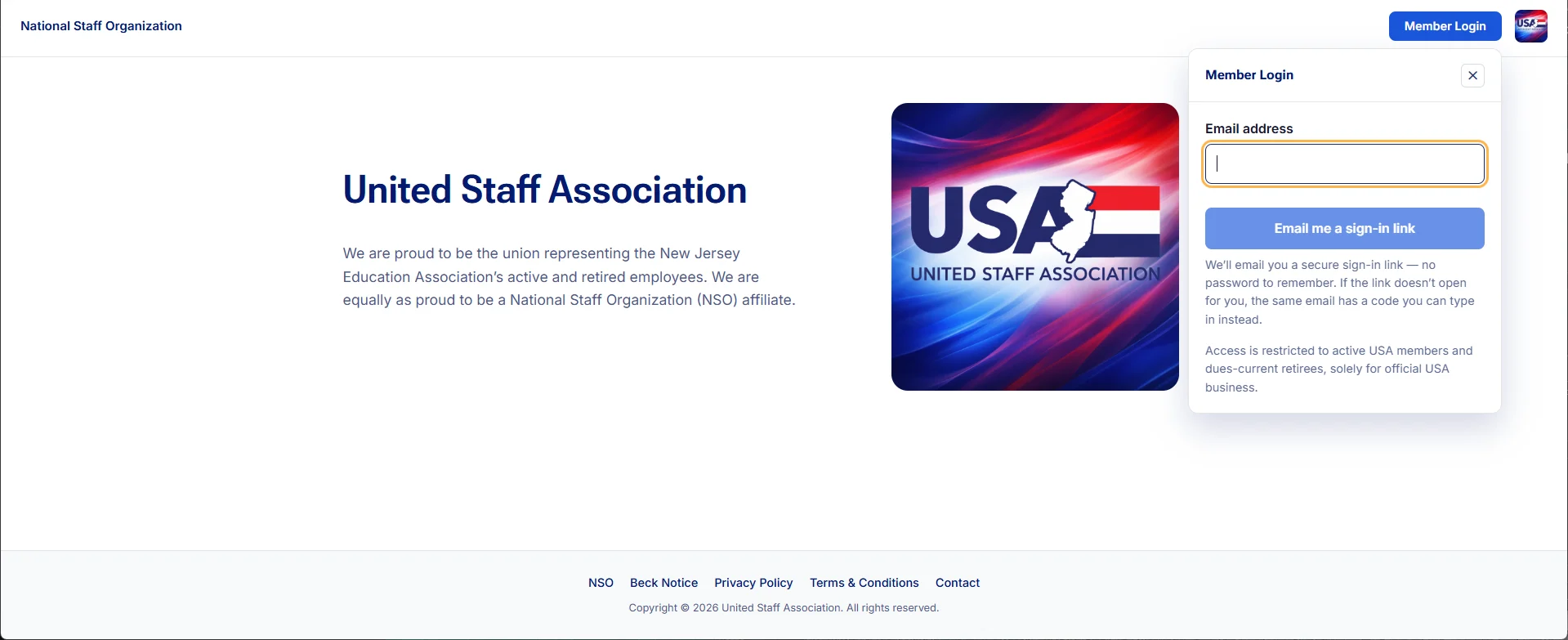
The United Staff Association site brings a member sign-in directly into its public front door.
The work
The United Staff Association landing page explains the organization and offers email-based member access in the same view. This is a screenshot of the actual public interface, with an empty sign-in field.
The communication decision
A login screen is part of the member experience. Its language should explain what happens next, who can use it and where help is available. The technology should feel like a familiar organization, not an unfamiliar vendor.
A direction for OneNJEA
Test an email or text verification-code experience with ordinary members, including people who log in infrequently. IS should determine the appropriate identity architecture, recovery process and security controls; Communications can help make the journey understandable.
A practical boundary
This portfolio does not authenticate NJEA members. The example shows a design direction, while private records, role permissions and staff security belong in their governed systems.
What comes next
This case study will grow with a fuller project brief, verified outcomes and additional work samples. Try the interactive data lab →
Inside the member experience
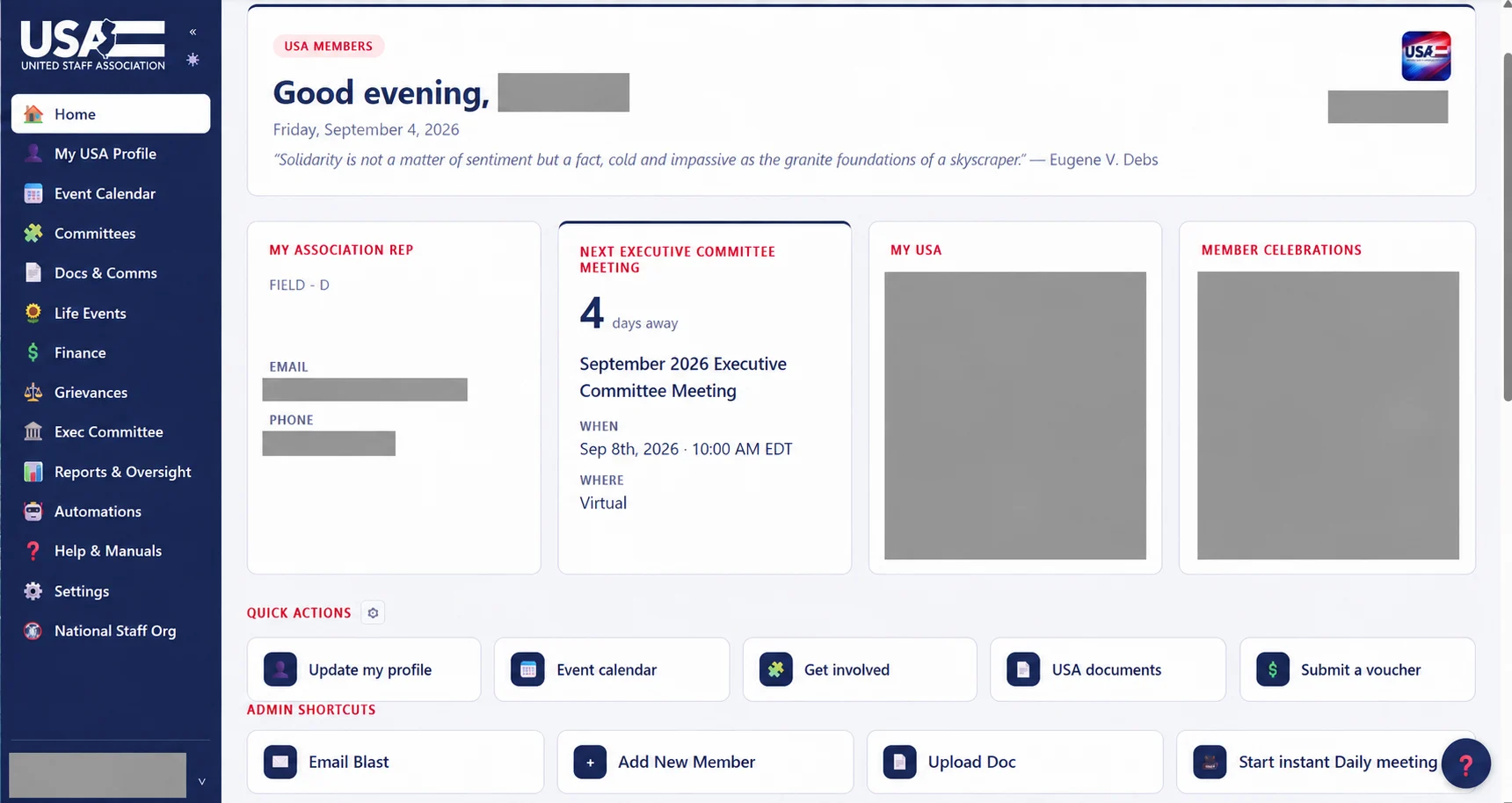
The front door continues into a dashboard: a representative, a meeting, personal context and useful actions. A welcome journey can connect those pieces without making a new member learn the organization chart.
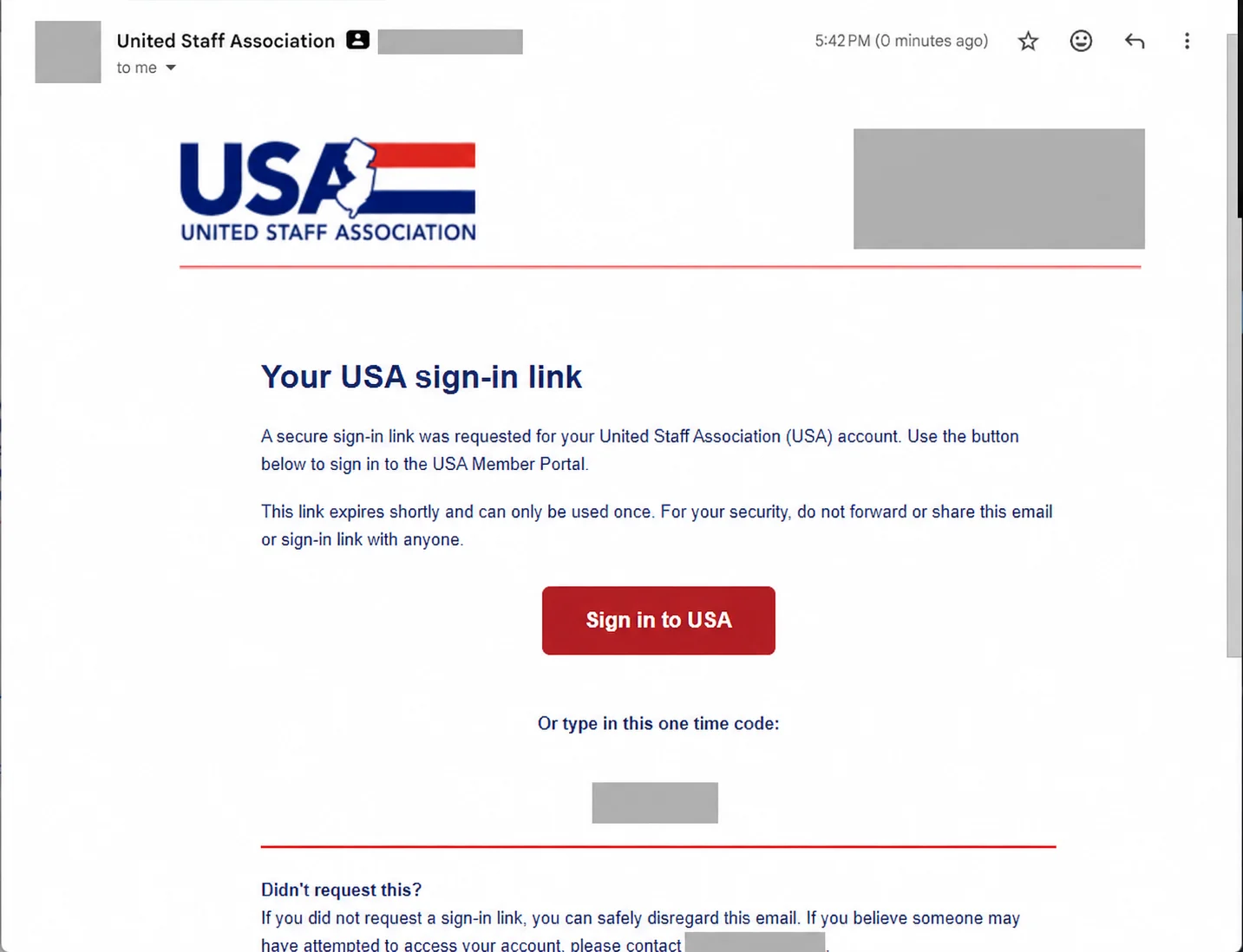
The sign-in message is part of the design
Brand, reassurance and plain instructions should travel together. A production identity review would test email-code and text-code options, recovery and appropriate assurance with IS; the image here does not expose an active credential.
Useful follow-through
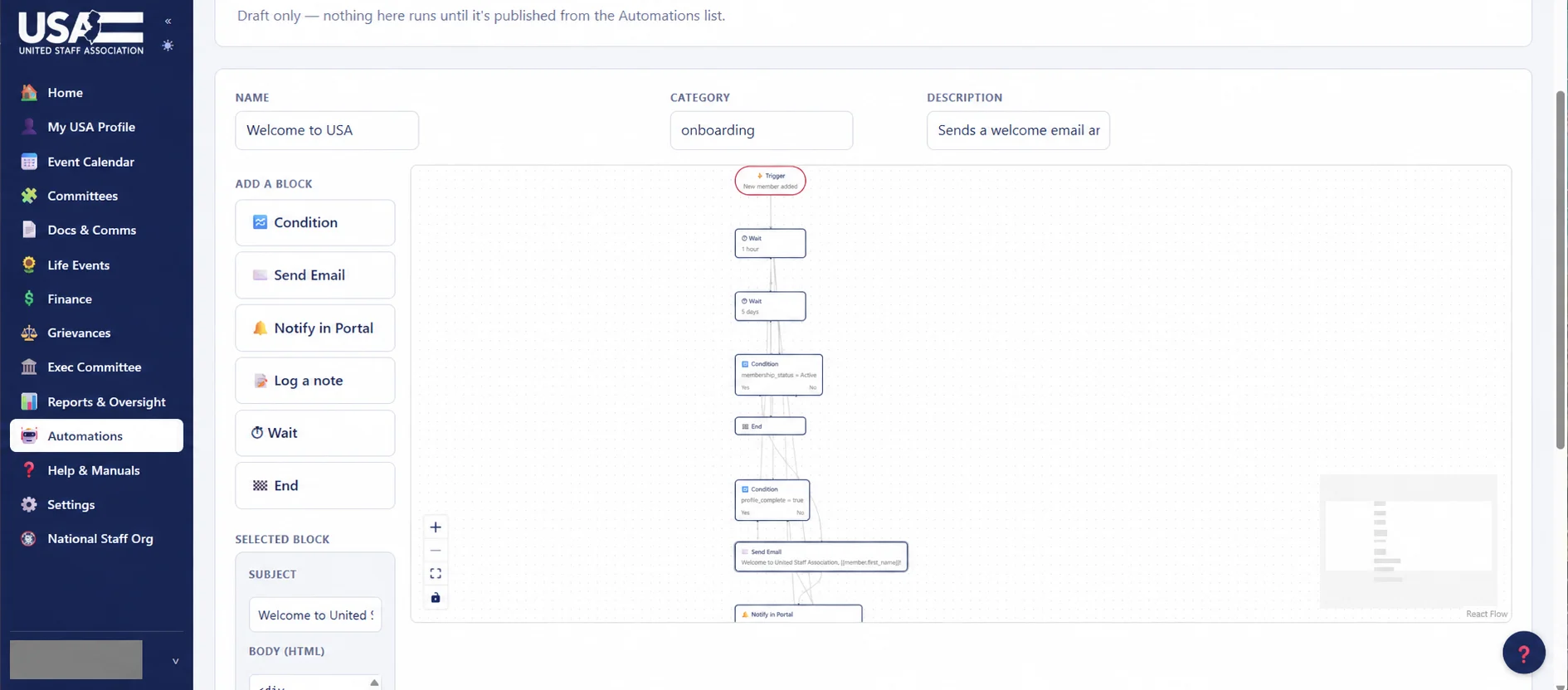
The automation builder shows the shape of an onboarding journey: a trigger, a wait, a condition, a message. The communications question is what belongs at each moment—and how a member can change preferences or reach a person.
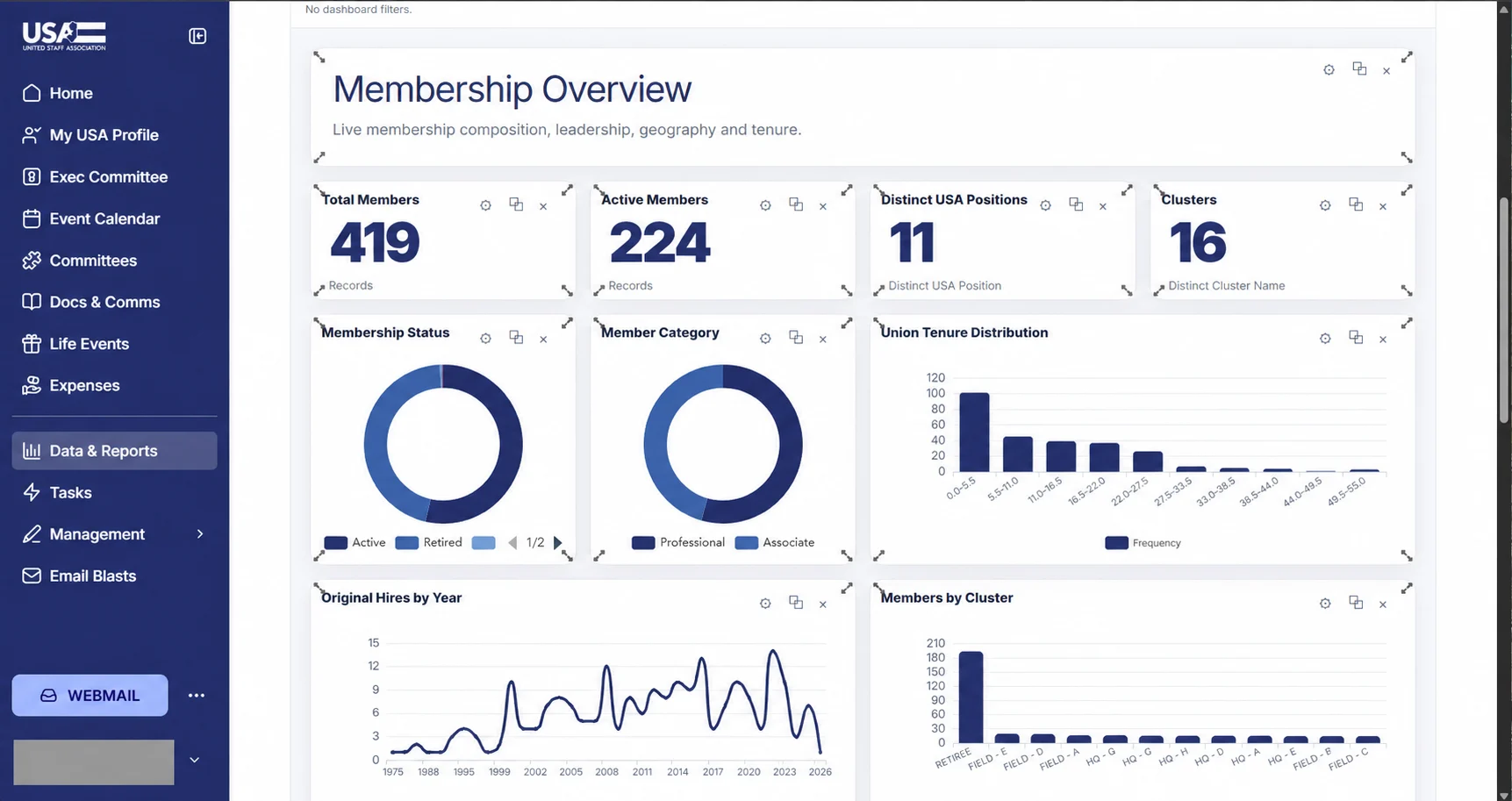
A shared view of the membership
Summary cards and charts make composition, tenure and geography visible. The next step is agreed definitions and appropriate access, so a useful view does not become another competing record system.